

Shotcut
GPU acceleration leads the way in these builds, with capable graphics cards and plenty of fast storage for large media files — refurbished workstations configured for Shotcut.
Talk to an Expert
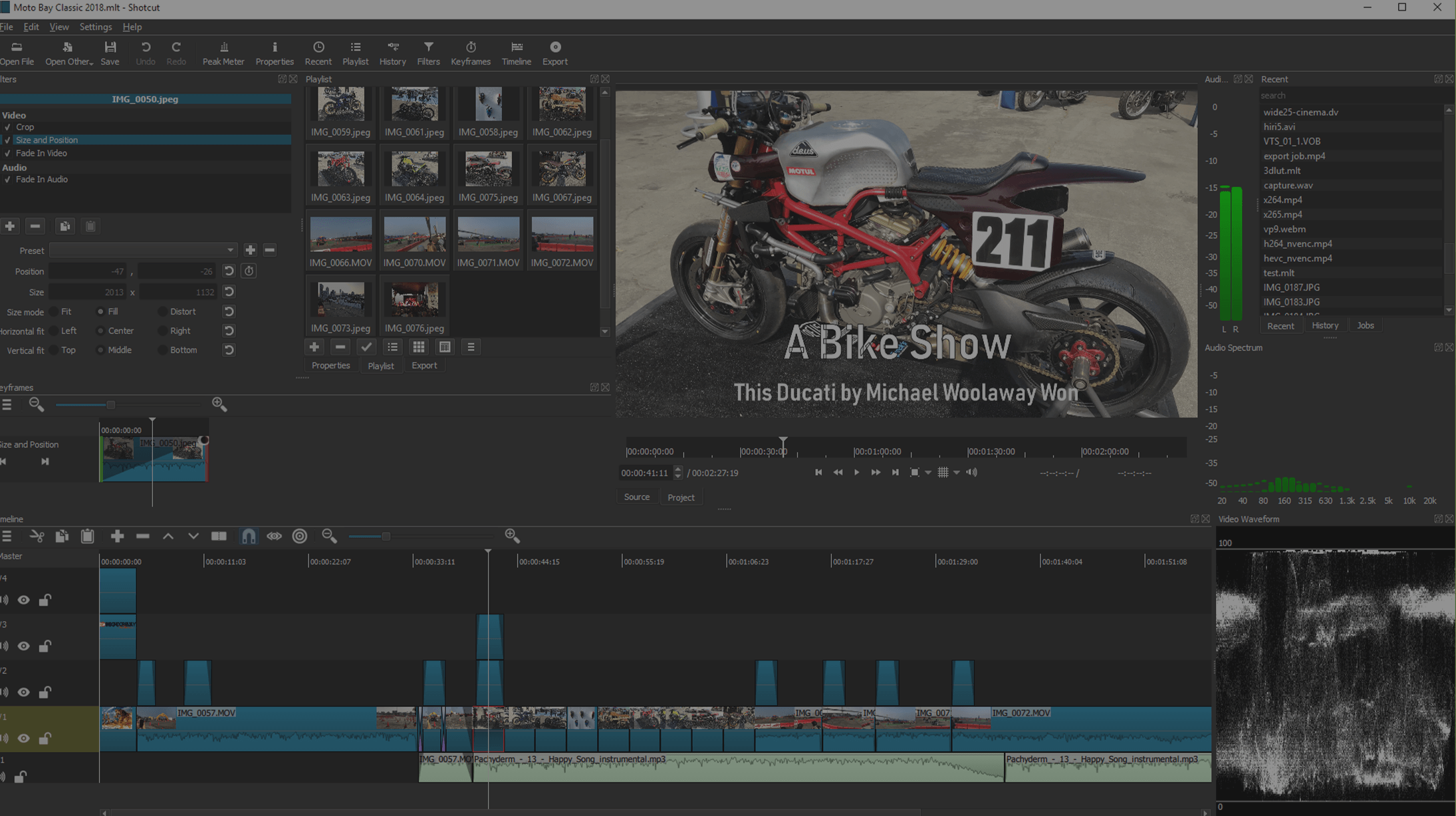
A free, open-source, cross-platform video editor
Shotcut supports a wide range of formats with no import step — native timeline editing, Blackmagic Design input and preview monitoring, and resolution support for 4K and higher. Smooth playback rewards a capable GPU and fast storage.
At PCSP our goal is to make owning a video-editing workstation easy and affordable. We rigorously test and tune every machine on the best refurbished hardware for the job, so editing stays smooth and rendering stays fast — without paying new-machine prices. Below are units configured specifically for running Shotcut.
Shotcut Configurations
What computer specs do I need for ShotCut?
Experts generally agree that ShotCut runs efficiently on a computer with an Intel Core i5 or i7 processor, at least 8GB of RAM (16GB for 4K video editing), and a dedicated GPU with 2GB VRAM for better rendering and playback performance. An SSD is recommended for faster file access and smoother video editing workflows.
What is the best computer for a ShotCut?
For ShotCut, the Lenovo ThinkStation P620 provides a strong balance between price and performance, offering smooth video editing and rendering for various formats. It delivers great value while ensuring efficient handling of high-resolution projects and simple effects processing.
What components are most important for ShotCut?
For ShotCut, the CPU's core count is crucial for efficient video encoding and processing multiple video streams. The second most important component is storage speed, with SSDs recommended for fast access to video files and smooth editing performance.
Need a Shotcut workstation?
Tell us your footage resolution and budget — we'll spec a refurbished machine that keeps your editing smooth.