

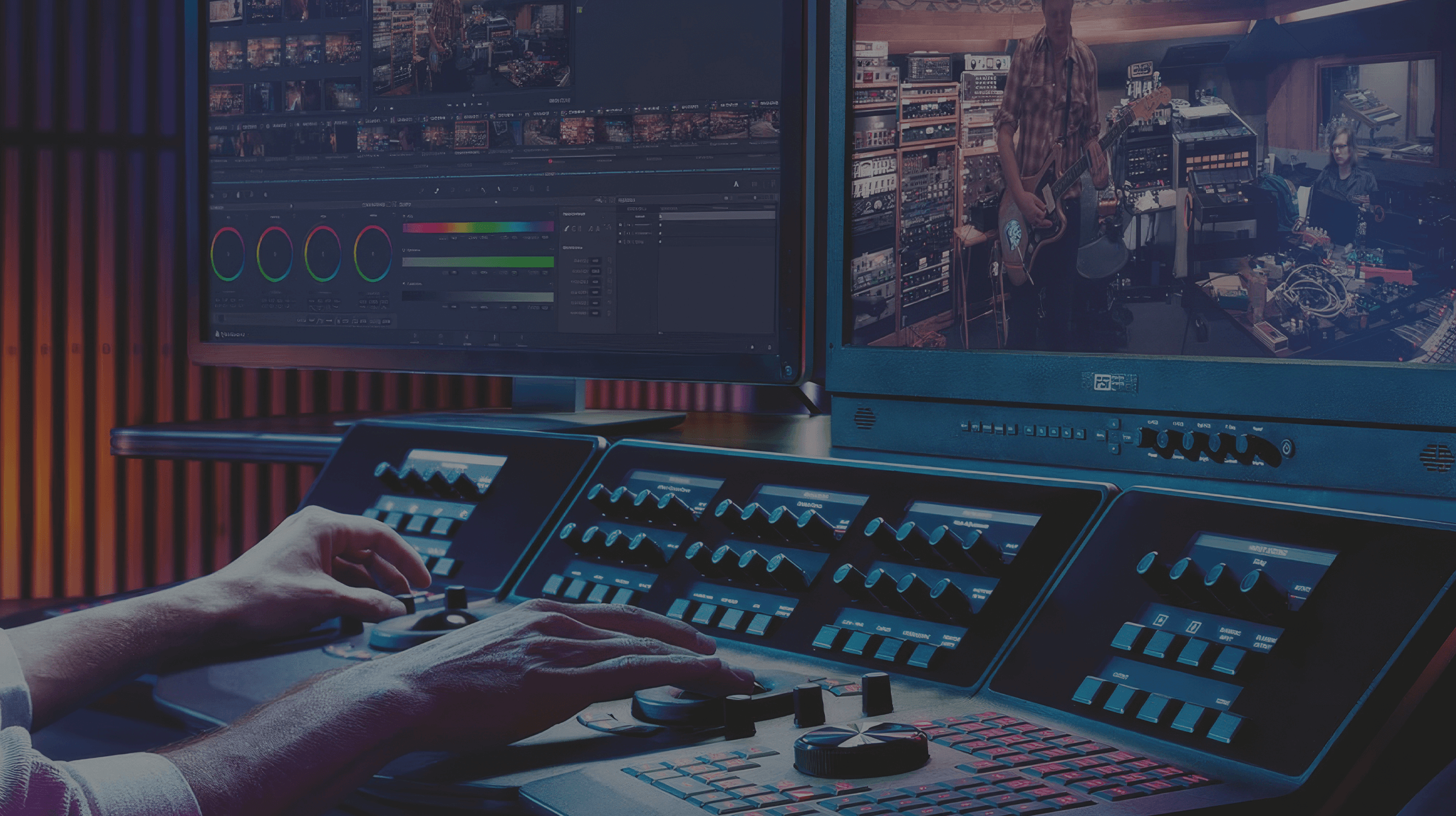
DaVinci Resolve
GPU acceleration leads the way in these builds, with capable graphics cards and plenty of fast storage for large media files — refurbished workstations configured for DaVinci Resolve.
Talk to an expert
Professional editing, color, effects and audio post
DaVinci Resolve combines editing, color correction, visual effects, motion graphics and audio post production in a single tool — a GPU-hungry workload that runs best on a workstation with a strong graphics card and fast storage.
At PCSP our goal is to make owning a video-editing workstation easy and affordable. We rigorously test and tune every machine on the best refurbished hardware for the job, so editing and grading stay smooth and rendering stays fast — without paying new-machine prices. Below are units configured specifically for running DaVinci Resolve.
DaVinci Resolve Configurations
What computer specs do I need for DaVinci Resolve?
Experts generally agree that DaVinci Resolve requires a powerful computer with an Intel Core i7 or i9 processor, at least 16GB of RAM (32GB or more for 4K and complex color grading tasks), and a dedicated GPU with at least 4GB VRAM for real-time video editing and color correction. An SSD is essential for fast file management and smoother overall performance, especially when working with large video files.
What is the best computer for a DaVinci Resolve?
For DaVinci Resolve, the Lenovo ThinkStation P620 delivers a strong combination of price and performance, ensuring smooth playback, color grading, and efficient video rendering. It provides great value while offering the power needed for complex editing, color correction, and VFX work.
What components are most important for DaVinci Resolve?
For DaVinci Resolve, the GPU's VRAM is the most important component for smooth video editing, color grading, and rendering. The second most important component is RAM capacity, with at least 32GB recommended for handling large projects and ensuring smooth playback and multitasking.
Need a DaVinci Resolve workstation?
Tell us your footage resolution and budget — we'll spec a refurbished machine that keeps grading and rendering fast.